 NodNod
Sleep on the train. NodNod wakes you before your stop.
Pick your stop, or drop a pin on the map, and doze off: as the train or bus nears it, NodNod rings like a real alarm, even with the phone on silent.
Coming soon to the App Store
For iPhone. Every trip is free.


From your seat to your stop
-
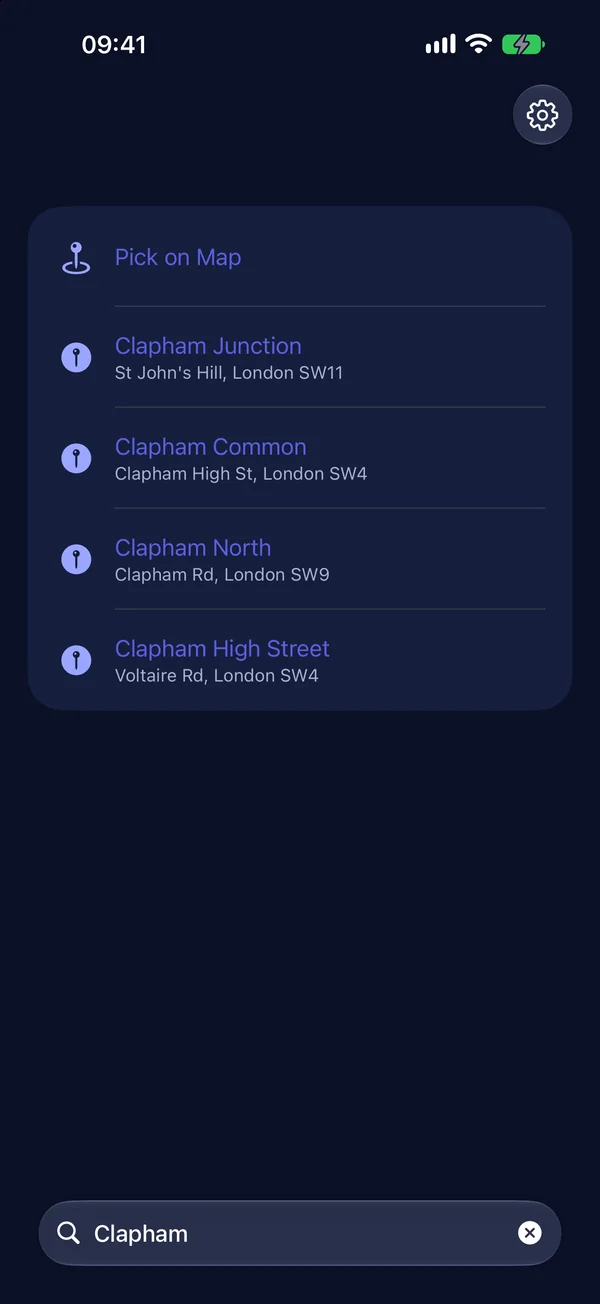
Pick your stop
Any station, stop or address, or a pin dropped on the map.
-
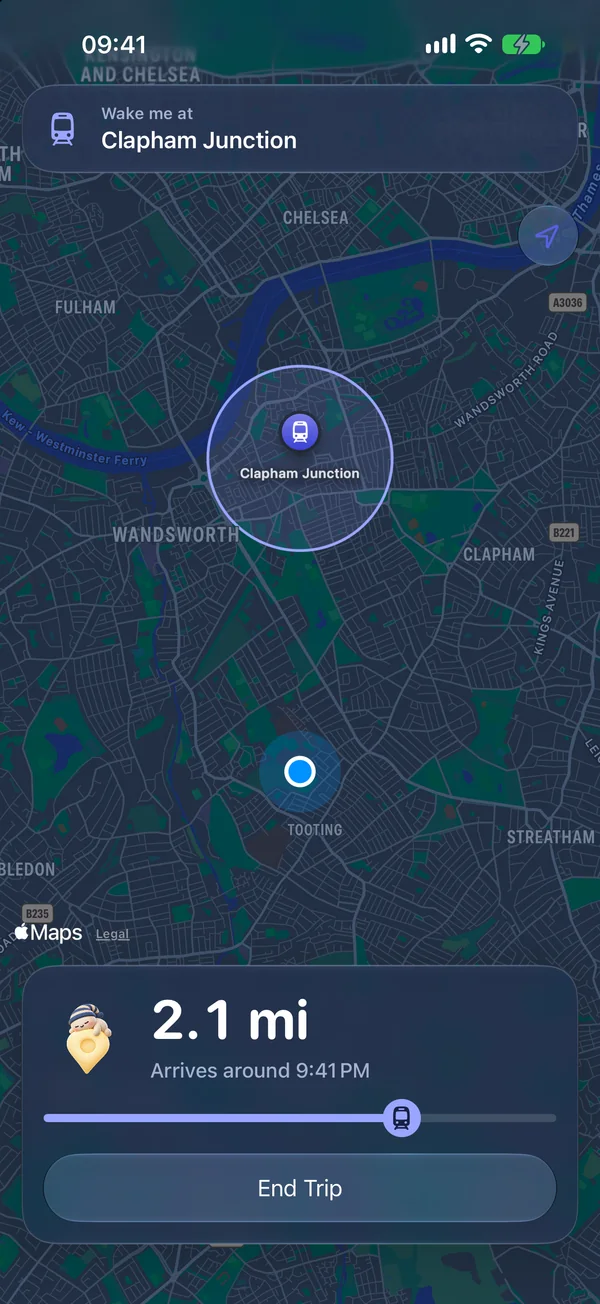
Doze off
Your trip on the map, and the circle where the alarm rings.
-
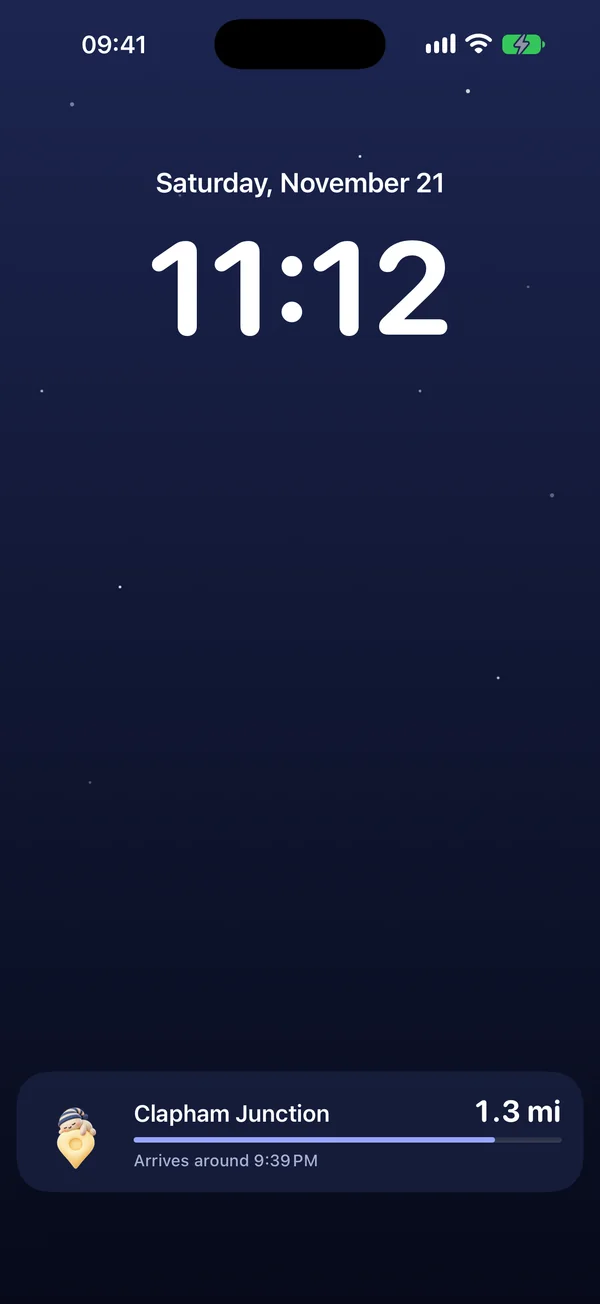
Glance, half awake
The distance left, on the Lock Screen and in the Dynamic Island.
-
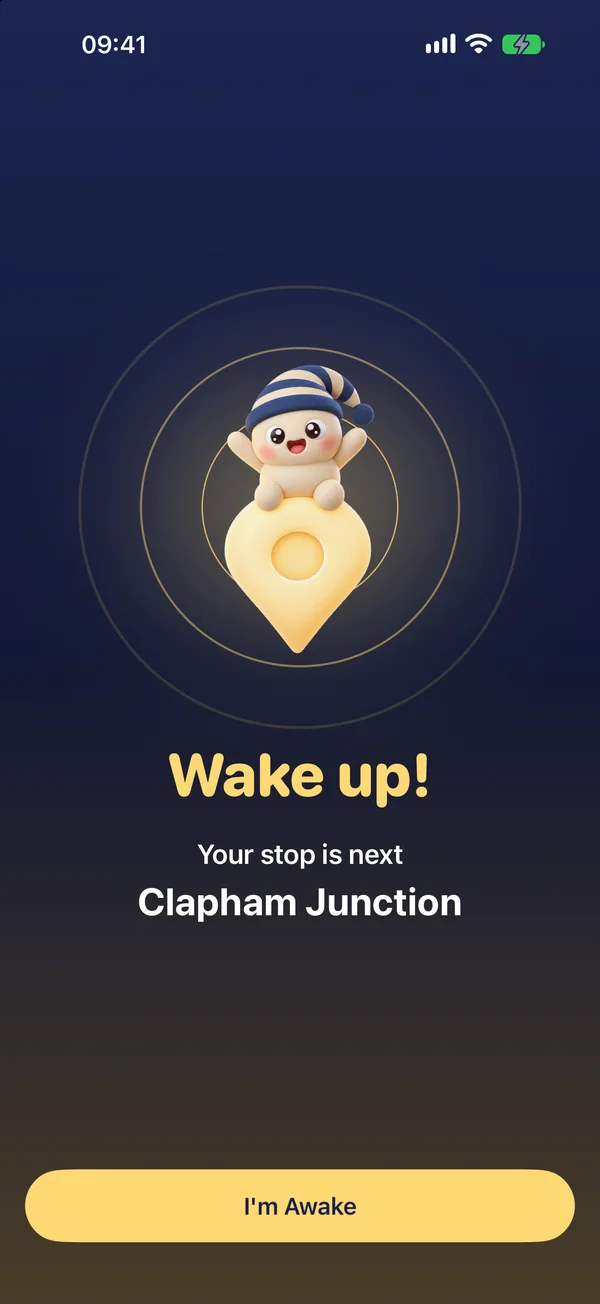
Wake up
A real alarm before your stop, even with the phone on silent.
Free, and Pro once
Every trip is free
As many as you like, each to one stop, with no account.
- An alarm before your stop, even on silent
- Your stop picked on the map, and the trip shown on it
- The distance left on the Lock Screen
- A backup alarm at a set time

NodNod Pro, $3.99 once
One purchase, no subscription. The App Store shows the price in your currency before you buy.
- Saved and recent stops. Your stops on Home, one tap to a trip.
- Routines. Your usual trip, offered at its time on its days.
- Routes with a change. Wakes you at the change, then at your stop.
- One-press start. From a widget, Control Center or the Action button.
- Gentler alarms. Rising, or a soft chime instead of the classic tone.
A backup, not a guarantee
NodNod rings from your iPhone’s location, which can come late or not at all underground, in tunnels or with the battery low. For a stop that matters, set the backup alarm too.
Yours alone
No account, no sign-up, no tracking: your location during a trip and your stops stay on your iPhone. The privacy policy says what is kept and where.